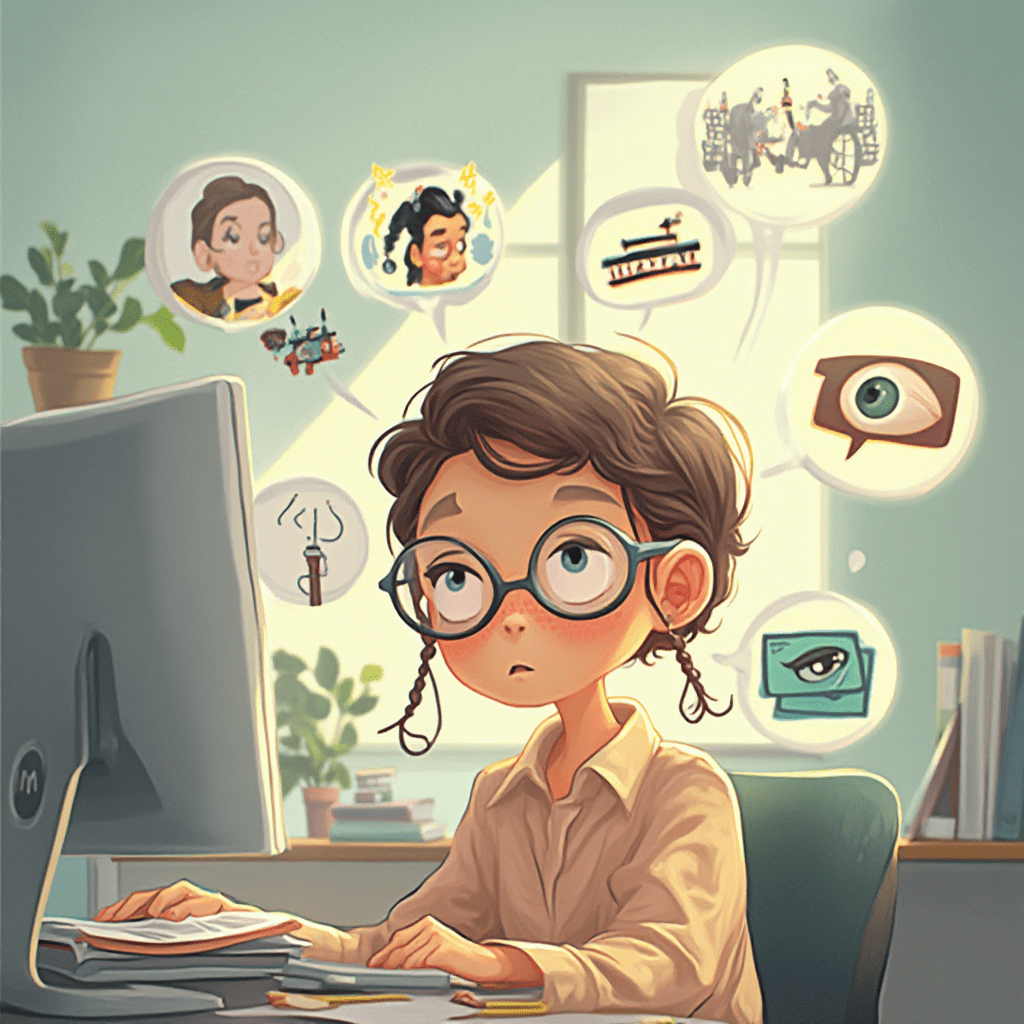
Unlocking the Secrets of Computer Vision Syndrome
Unlocking the Secrets of Computer Vision Syndrome
Unlocking the Secrets of Computer Vision Syndrome
Find out more about computer vision syndrome, a common but often overlooked problem that affects many people in the digital age. In this article, we’ll take a look at the causes and symptoms, as well as ways to prevent them effectively, giving you practical tips to help protect your eye health in our modern world of technology. Learn how to identify, manage, and mitigate the risks of prolonged screen time for a better, more comfortable digital experience.
Understanding Computer Vision Syndrome (CVS): What is CVS?
Computer Vision Syndrome (CVS), also known as digital eye strain, is a group of eye and vision-related problems that result from prolonged use of digital devices such as computers, tablets and smartphones. It’s a range of symptoms caused by excessive screen time, which can lead to discomfort and even long-term vision problems. As technology becomes increasingly part of everyday life, CVS has become a common problem affecting people of all ages and occupations.
How Digital Devices Affect Eye Health
The growing use of digital devices has significantly affected eye health, particularly through the way we are exposed to screens. Staring at screens for long periods can tire your eye muscles, reduce blinking, and lead to dryness and irritation. Blue light emitted from screens can also lead to digital eye strain, which can aggravate the discomfort. This suggests the need to understand how computer vision can affect overall eye health and to take steps to mitigate adverse effects.
Prevalence and Demographic Factors
Studies indicate that a substantial portion of the population experiences symptoms associated with CVS, especially among those with high screen time occupations or hobbies. Accessibility careers, students, office workers, and professionals in Bethesda, MD, and other urban centers are particularly vulnerable. Factors such as age, pre-existing vision problems, and ergonomic habits influence the likelihood and severity of CVS symptoms, underscoring the need for awareness and preventive strategies across all demographics.
Recognizing the Symptoms of CVS
Common signs of computer vision syndrome include:
- Eye strain and fatigue
- Blurred or double vision
- Dry or watery eyes
- Headaches
- Neck and shoulder pain
- Sensitivity to light
- Difficulty focusing after screen use
Early recognition of these symptoms is crucial for timely intervention and to prevent potential long-term vision issues.
The Need for Early Detection and Intervention
This facilitates the timely identification and management of CVS symptoms, helping to reduce discomfort and prevent progression. Regular eye exams are important, especially if you have undiagnosed vision problems. The Department of Health and Human Services strongly recommends proactive eye care as part of general health maintenance and is advocating awareness campaigns to educate the public on early signs and preventive measures.
Causes & Risk Factors of CVS (Computer Vision Syndrome)
Too much screen time and use of digital devices
Digital screen overexposure is the primary cause of CVS. The more time you spend looking at a screen without a break, the greater the risk of developing eye strain and associated symptoms. This is particularly important in an era of digital media, where work, learning, and recreation are increasingly dependent on screens.
Poor lighting and screen glare
Eye strain can be aggravated by poor lighting and excessive screen glare. Low light strains the eyes to focus, and glare can cause discomfort and reduce visual acuity. Ambient lighting can be adjusted, and anti-glare screens can be used, which help a lot with these issues.
Poor Viewing Distances and Posture
Watching screens at the wrong distance or angle strains the eye muscles. Good posture and a comfortable distance of about an arm’s length can help reduce the physical and visual strain of computer vision.
Eye Strain and Uncorrected Vision Problems
Existing visual problems such as astigmatism, presbyopia, or uncorrected refractive errors can worsen CVS symptoms. People with uncorrected vision problems may be more likely to experience eye strain and discomfort when using screens for long periods.
Environmental factors for CVS
Environmental factors such as dry air, air conditioning, and dust can make the eyes drier and irritated. In addition, poor humidity and exposure to artificial lighting may be factors in the development of CVS symptoms.
Prevention Strategies and Practical Management
Ergonomic Tips for Reducing Eye Strain
- Position your monitor about an arm’s length away.
- Keep the top of the screen at or slightly below eye level.
- Use an adjustable chair to maintain proper posture.
- Ensure your workspace is ergonomically optimized to reduce neck and shoulder strain.
The 20-20-20 Rule and Break Scheduling
Implement the 20-20-20 rule: every 20 minutes, look at something 20 feet away for at least 20 seconds. Regular breaks help relax eye muscles and reduce fatigue. Scheduling short breaks during work or study sessions is vital for maintaining eye comfort.
Proper Lighting and Screen Settings
- Use adequate ambient lighting to minimize glare.
- Block blue light from computer screens with specialized filters or software.
- Adjust screen brightness and contrast to comfortable levels.
- Use artificial tear eye drops to maintain eye moisture if dryness occurs.
Eye Exercises and Relaxation Techniques
Simple eye exercises, such as rolling your eyes or focusing on distant objects, can alleviate eye strain. Incorporating relaxation techniques like blinking consciously and practicing eye massages can further reduce discomfort.
Use of Computer Glasses and Protective Eyewear
Specialized computer glasses with anti-reflective coatings and blue light blocking capabilities can help reduce digital eye strain. These are particularly beneficial for individuals spending long hours in front of screens.
Maintaining Good Eye Hygiene and Regular Eye Exams
Consistent eye hygiene, including proper contact lens care and avoiding eye rubbing, supports overall eye health. Regular eye exams, especially in Bethesda, MD, or other locations, are essential for detecting and correcting vision problems early.
Incorporating Digital Wellness Practices into Daily Routine
Limit non-essential screen time outside of work or study hours. Use apps and settings to block blue light from computer screens after sunset. Educate yourself and colleagues about CVS and promote healthy digital habits.
Recommendations and Summary on Eye Health in the Digital Age
Summary of Major Preventive Measures
To avoid computer vision syndrome, ensure your workspace is ergonomic, take regular breaks following the 20-20-20 rule, maintain proper lighting, and wear protective eyewear. Regular eye exams and good eye care are equally important.
When to Visit an Eye Care Specialist
If you continue to have symptoms such as persistent eye pain, blurred vision, or headache despite taking preventive measures, see an eye care professional. We suggest that you see a professional for an evaluation to rule out underlying conditions and receive treatment tailored to you.
Promoting Education and Awareness of CVS
CVS awareness is important in workplaces, schools, and communities. Education efforts can help people develop healthier digital habits and recognize warning signs early on.
Prevention: Target Employers and Educators
Organizations should implement ergonomic policies, ensure adequate illumination, and encourage regular breaks. Teachers can incorporate eye health awareness into the curriculum, particularly for careers in accessibility and other fields that are heavily reliant on digital technology.
Final Tips for a Safer and More Comfortable Digital Experience
- Use blue light computer filters or block blue light computer applications.
- Incorporate artificial-tear eye drops to combat dryness.
- Maintain a healthy distance and posture when using a screen.
- Prioritize regular eye check-ups and stay informed about new protective technologies.
By adopting these strategies, individuals can enjoy a safer, more comfortable digital experience while safeguarding their eye health in our increasingly digital world.
CVS symptoms, eye strain, screen time effects, digital eye fatigue, blue light, prevention techniques, ergonomic practices, vision health, tech habits, screen breaks,
office workers, students, parents, tech enthusiasts, digital nomads
[/fusion_text][/fusion_builder_column][/fusion_builder_row][/fusion_builder_container]









Leave A Comment
You must be logged in to post a comment.